Preferences
Learn how the notification preference system works in Knock.
Preferences enable your users to opt-out of the notifications you send using Knock.
How preferences work
#A user has a PreferenceSet. A PreferenceSet is a JSON object that tells Knock which channels, categories, and/or workflows a user has opted out of receiving.
When Knock runs a workflow for a user, we evaluate their PreferenceSet. A message will not send if the user has opted out of receiving it.
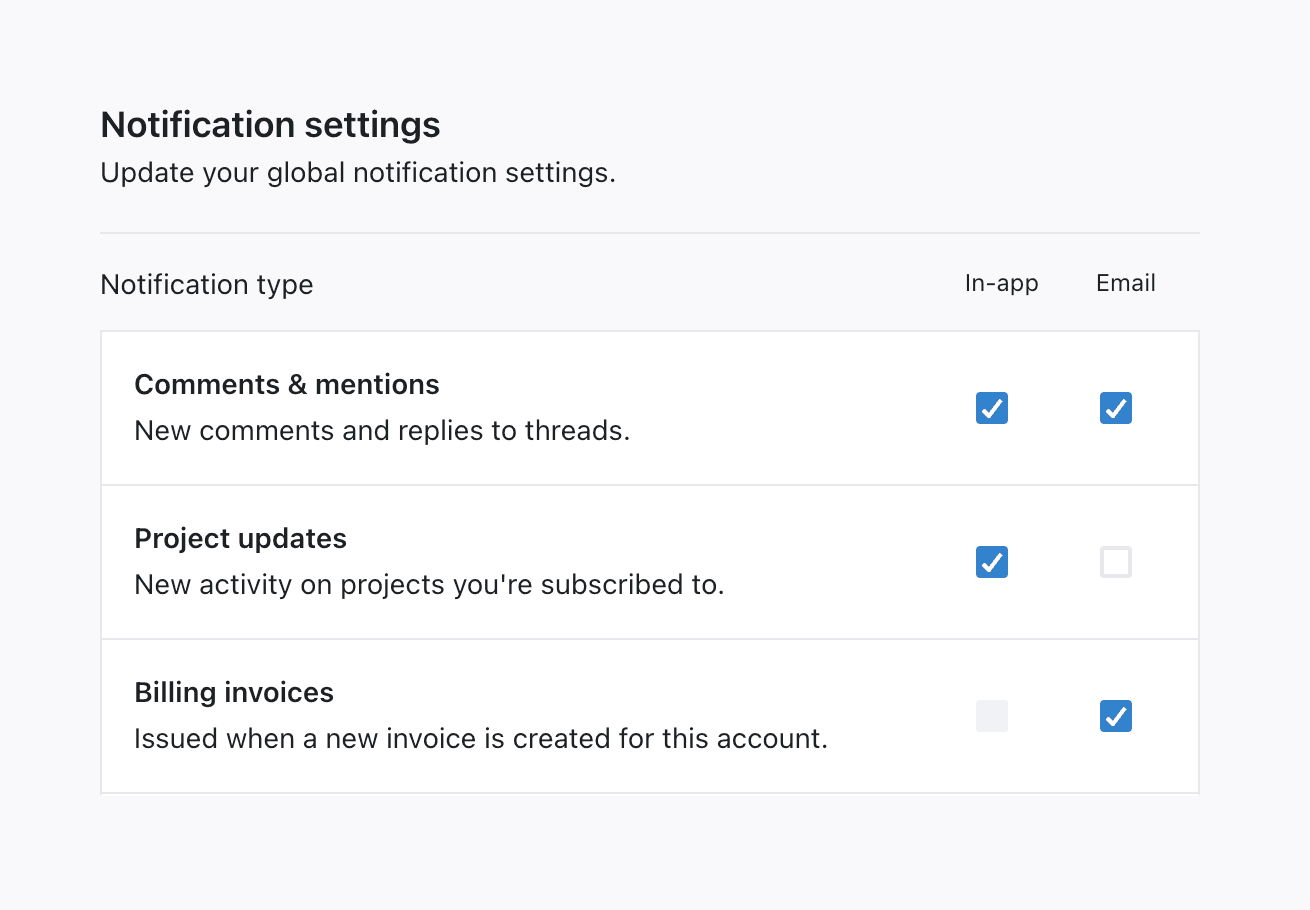
With Knock preferences you can power standard preference use cases, such as the topic-channel preferences grid picture below, as well as advanced use cases such as per-workflow preferences, send time preferences, and more.
To learn more about how preferences work, how to choose between a hosted or custom preference center, and advanced concepts like per-tenant preferences, object preferences, and preference conditions, go to our preferences overview. To launch a no-code preference center, see the hosted preference center. To build your own UI, see Build your preference center.
Learn more
#For advanced topics like per-tenant preferences, object preferences, and preference conditions, see the preferences overview. To launch a no-code preference center, see the hosted preference center. To build your own UI, see Build your preference center.